This article is for the game Robosynthesis.
In contrast with the flashy, stylish UI of Beetle Roller, I knew I wanted to keep the UI for Robosynthesis more function-over-form, while still being satisfying to use.
To fit with the game's sci-fi, PS2-esque theming, I used the windowed style of menus from Ratchet & Clank (2002) as the main reference to create a handful of vector assets with 3D filters in Affinity.
I like to make sure your currently selected button is obvious, so I accomplished this with a light / LED effect as well as scale animation. (You may have noticed a similar effect on this very website!)
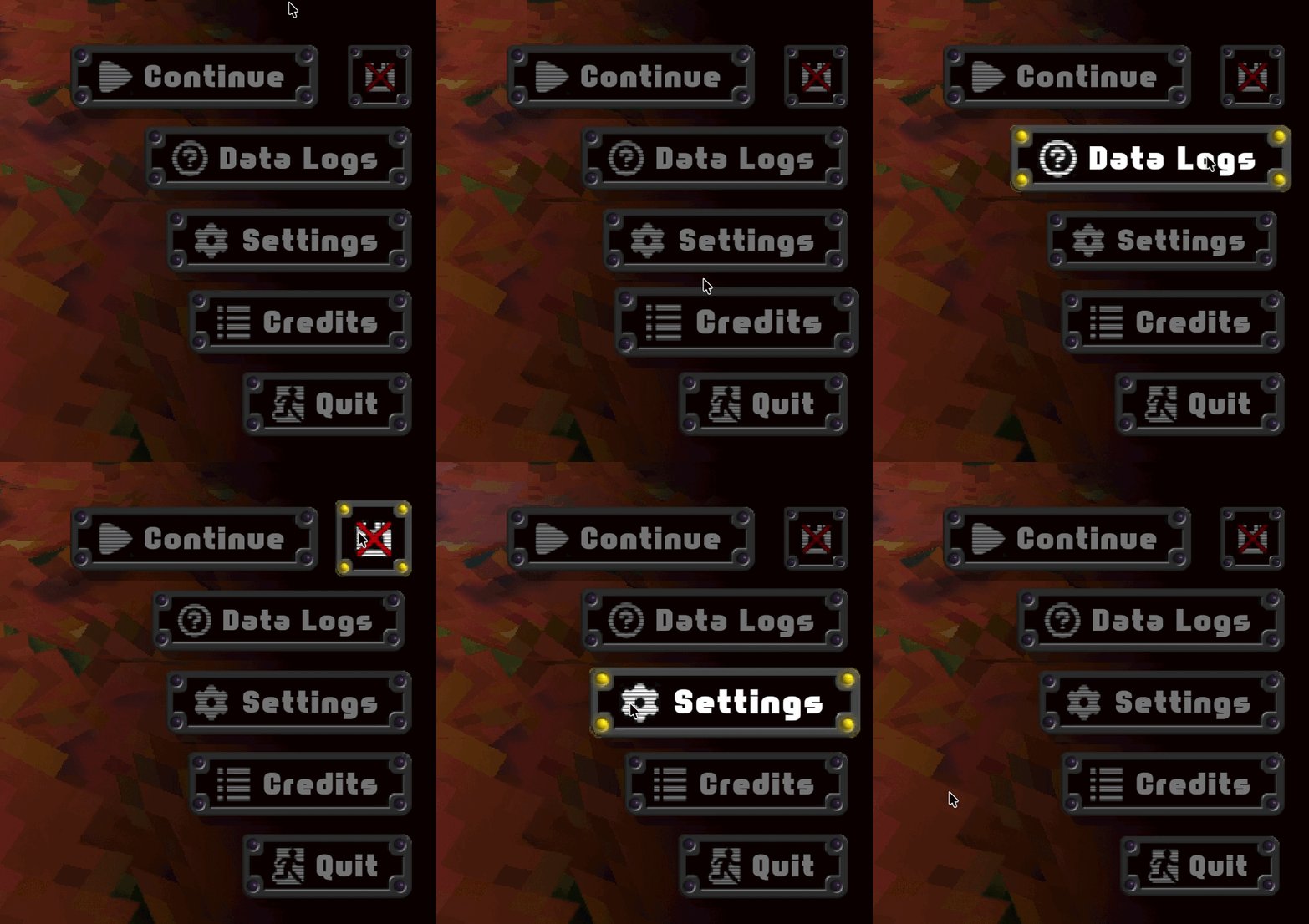
Title Screen
I seem to have a fondness for "seamless" title screens, where the camera shot exists within the game world itself, and pressing play animates the camera directly into gameplay.
COCOBOY was the first game I did this for. For Robosynthesis, I evolved the idea further, since this has to work for every checkpoint position in the game. It also involves some character animation.
Conceptually, it was a pretty simple setup of blending between two Cinemachine cameras – a static one for the title screen shot, and the gameplay camera.
HUD & Energy
Hey, wait a minute... there actually is no HUD! Most of the time, at least.
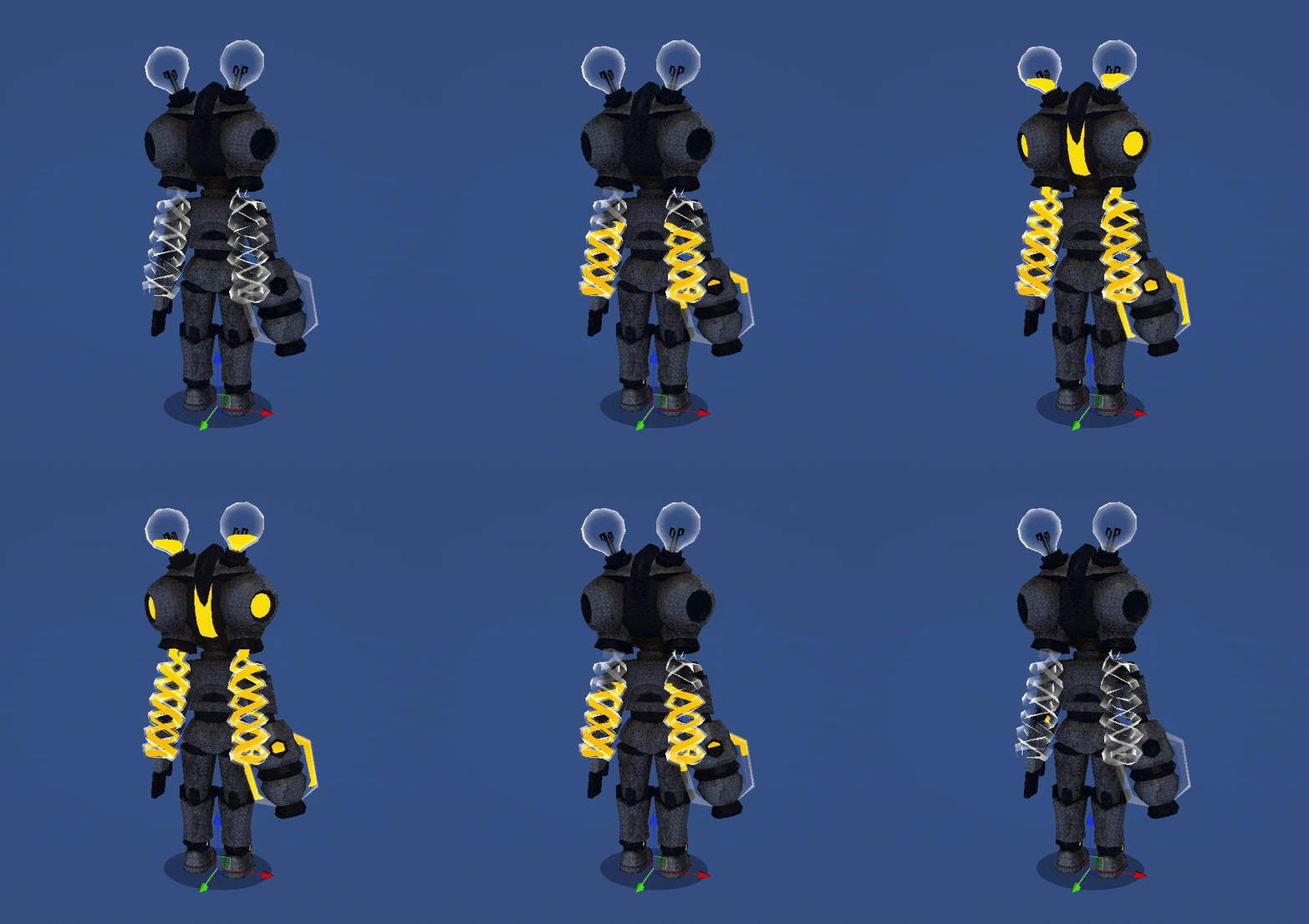
The players energy is visible on the character model itself rather than a traditional UI meter. Why?
- It's cool.
- Helps with immersion, focusing attention to the in-game world.
This idea was largely inspired by the health bar in Dead Space and the ink tank in Splatoon.
Image credits: Dead Space (EA), Splatoon 2 (Nintendo)
However, a meter UI element with precise values does appear when its needed:
- When the player is at critical energy levels
- When the player is in locked-on shooting (you're looking at your target more than yourself!)

;)
;)
;)
;)
;)
;)
;)
;)
;)


